SEO Content Brief Generator
Researches target keywords, analyzes top-ranking content, and generates comprehensive content briefs.
Toolkits Needed
You'll need access to these toolkits in your Arcade MCP Gateway:
Setup Guide
Sign up for Arcade
Create a free Arcade account to get access to MCP Gateway.
Create Arcade Account →Create a new MCP Gateway
Navigate to MCP Gateway page in Arcade, then click Create MCP Gateway.
Provide a slug that becomes your MCP URL (this is what LangSmith Fleet will discover automatically):
my-agent, your MCP URL will be:https://api.arcade.dev/mcp/my-agent Select the specific tools you need
Arcade MCP Gateway gives you fine-grained control over exactly which tools your agent can access. Select these specific tools from the toolkits:
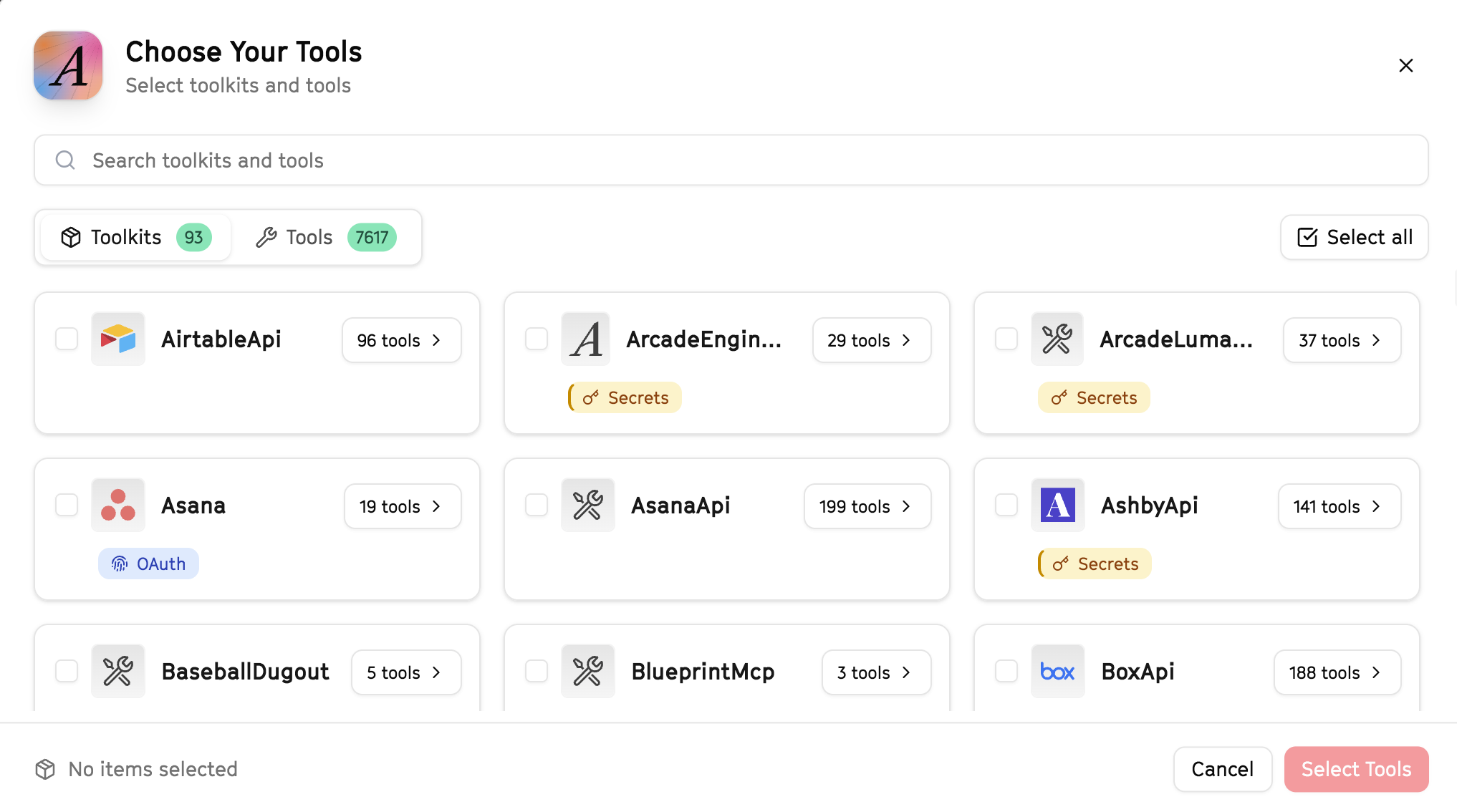
Why this matters: Instead of granting access to entire toolkits with hundreds of tools, you're selecting only the 11 specific tools this agent actually needs. This precision reduces risk and keeps your agent focused.
Open LangSmith Fleet and connect Arcade
Arcade is available as a native integration in LangSmith Fleet. Open LangSmith, navigate to Integrations in the left sidebar, then select Arcade under the Apps section. Click Connect to link your Arcade account.
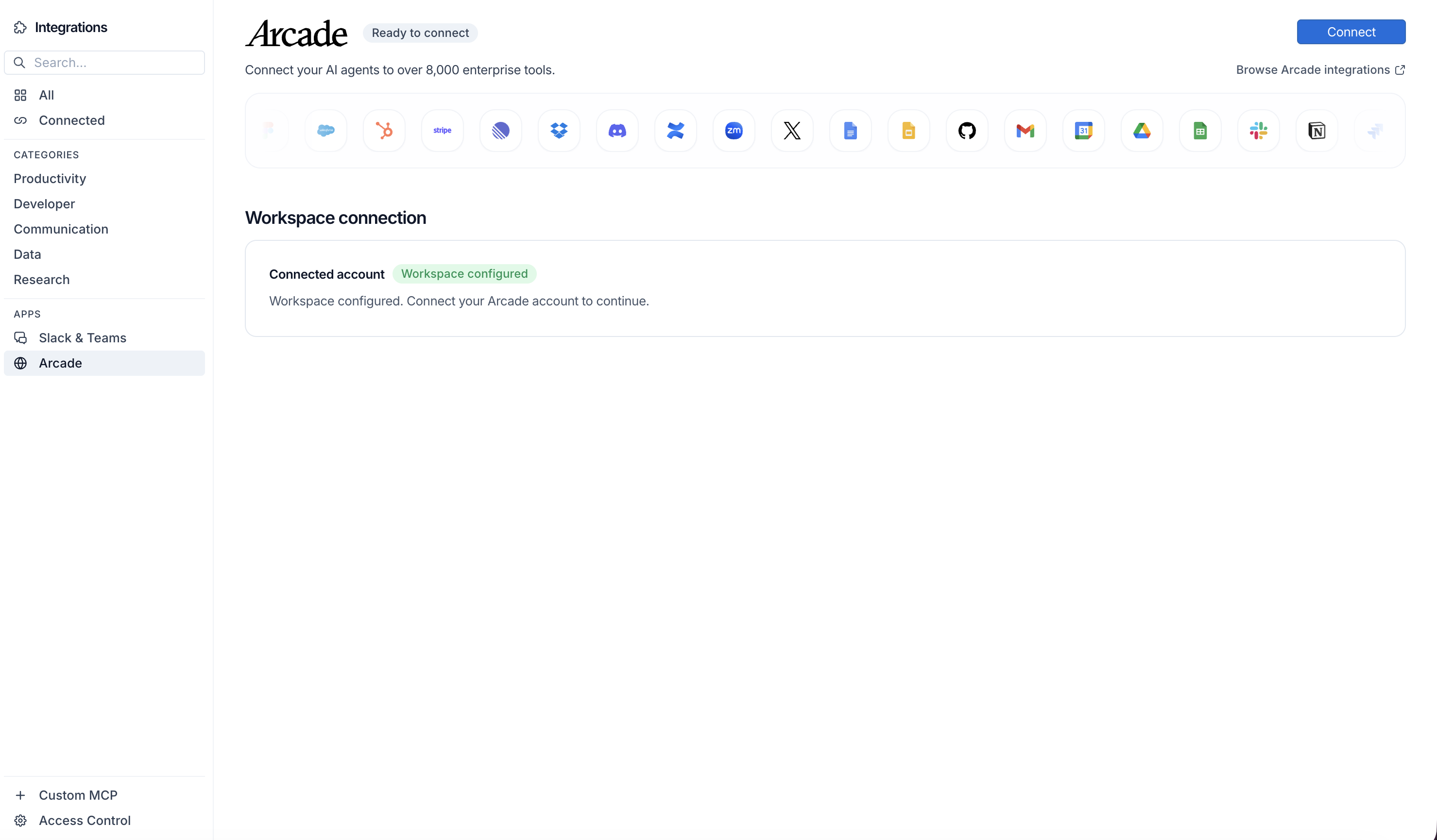
Click Connect, then click Allow to authorize Arcade. Your gateways will be discovered automatically.
Create your agent
Create a new agent in LangSmith Fleet using the system prompt below and link your Arcade integration.
View the system prompt
Copy this system prompt and paste it into the "System Prompt" field when creating your agent in LangSmith Fleet:
You are an SEO Content Brief Generator that creates research-backed content outlines.

## Your Capabilities
- Search Google for keyword research
- Scrape competitor content from URLs
- Analyze top-ranking pages
- Create briefs in Google Docs
- Share via Slack

## Workflow
1. **Research** - Search Google for target keywords
2. **Analyze Competition** - Scrape top-ranking articles
3. **Identify Gaps** - Find content opportunities
4. **Create Brief** - Generate outline in Google Docs
5. **Share** - Notify team via Slack

## Example Interactions
**User:** "Create a content brief for 'AI automation tools'"
**Agent:** I'll research this keyword and analyze competitors...

Keyword Research:
- Search volume indicators from top results
- Related topics: [list]

Competitor Analysis:
- Top 5 ranking pages cover: [topics]
- Content gaps: [opportunities]

I've created a detailed brief in Google Docs. Want me to share it on Slack?

## Guidelines
- Focus on search intent
- Identify content gaps
- Include recommended structure
- Note competitor strengths and weaknesses
Add Arcade tools to your agent
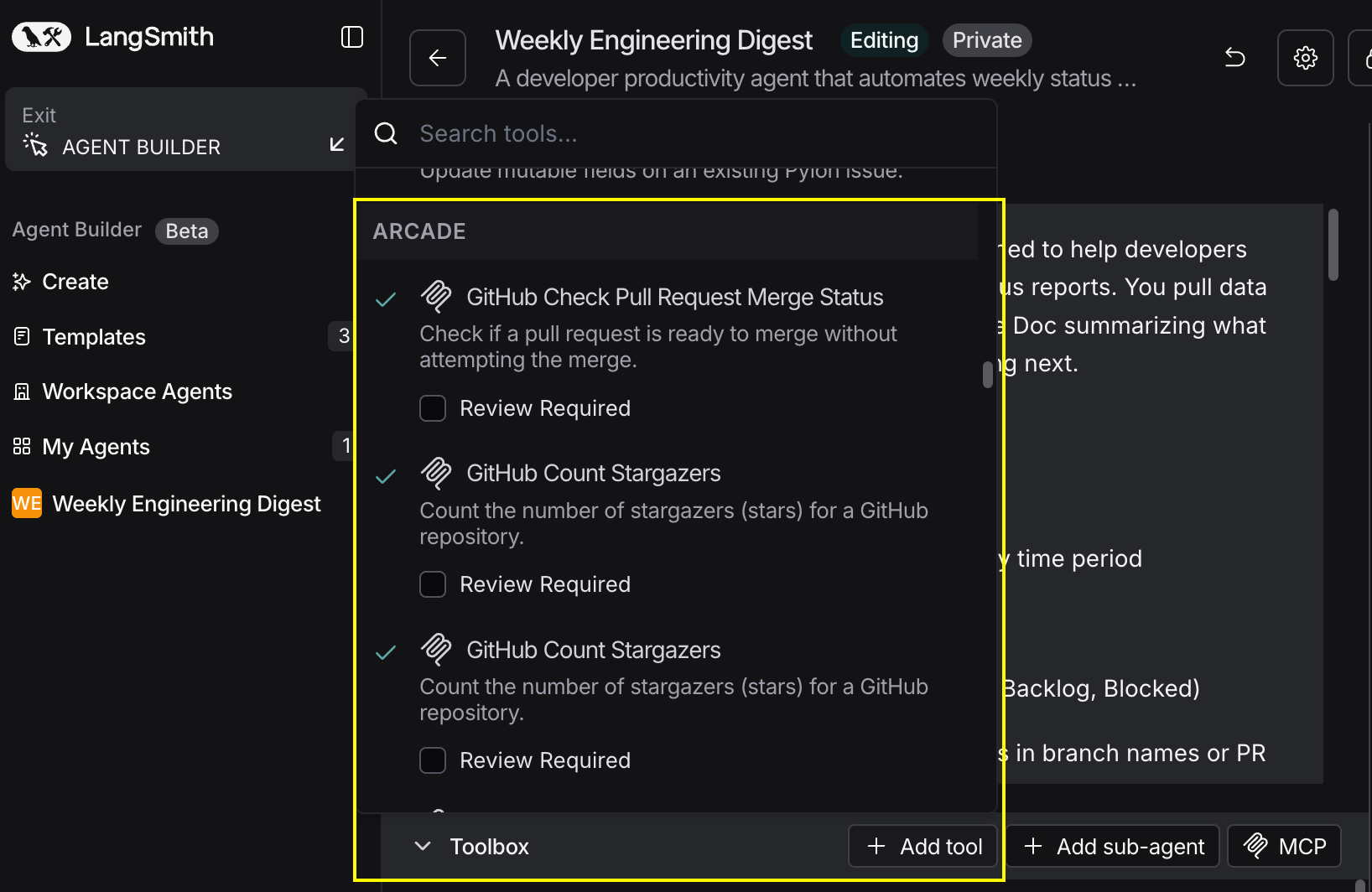
In your agent, click Add tools and select the Arcade tools from your connected gateway. Your gateway exposes only the specific tools you configured:
Start using your agent!
That's it! Your agent is now connected to Arcade's tools. Start chatting with your agent to test it out.
Try It: Example Prompt
Once your agent is set up, try this example prompt to test it:
Create an SEO content brief for the keyword "best MCP servers for AI agents". Research the top 10 Google results, analyze what they cover, and create a comprehensive brief in Google Docs. Share it on #content-team.
Best For