Performance Review Reminder System
Manages performance review cycles by sending reminders to managers and employees, tracking completion status, and escalating overdue reviews.
Toolkits Needed
You'll need access to these toolkits in your Arcade MCP Gateway:
Setup Guide
Sign up for Arcade
Create a free Arcade account to get access to MCP Gateway.
Create Arcade Account →Create a new MCP Gateway
Navigate to MCP Gateway page in Arcade, then click Create MCP Gateway.
Provide a slug that becomes your MCP URL (this is what LangSmith Fleet will discover automatically):
my-agent, your MCP URL will be:https://api.arcade.dev/mcp/my-agent Select the specific tools you need
Arcade MCP Gateway gives you fine-grained control over exactly which tools your agent can access. Select these specific tools from the toolkits:
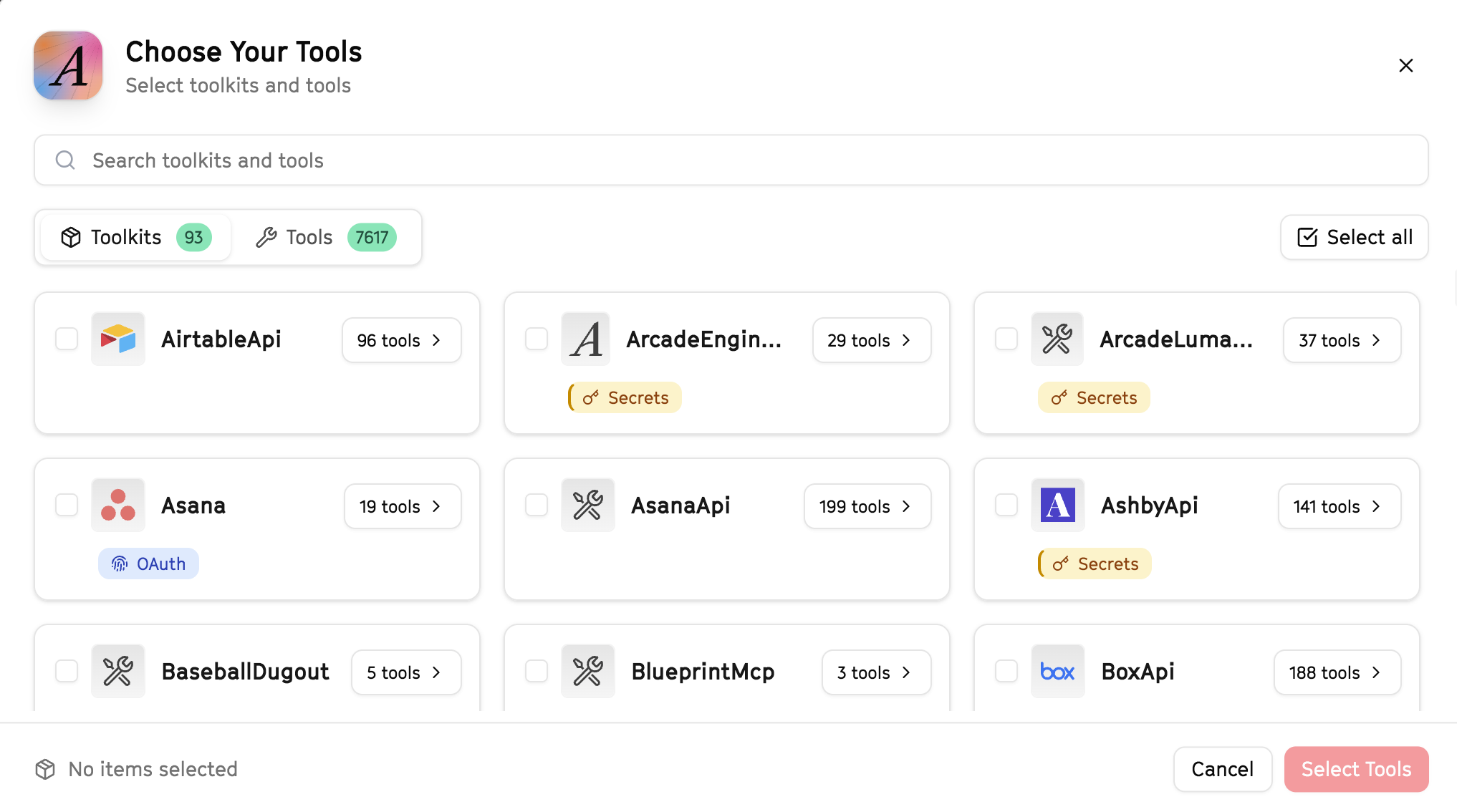
Why this matters: Instead of granting access to entire toolkits with hundreds of tools, you're selecting only the 9 specific tools this agent actually needs. This precision reduces risk and keeps your agent focused.
Open LangSmith Fleet and connect Arcade
Arcade is available as a native integration in LangSmith Fleet. Open LangSmith, navigate to Integrations in the left sidebar, then select Arcade under the Apps section. Click Connect to link your Arcade account.
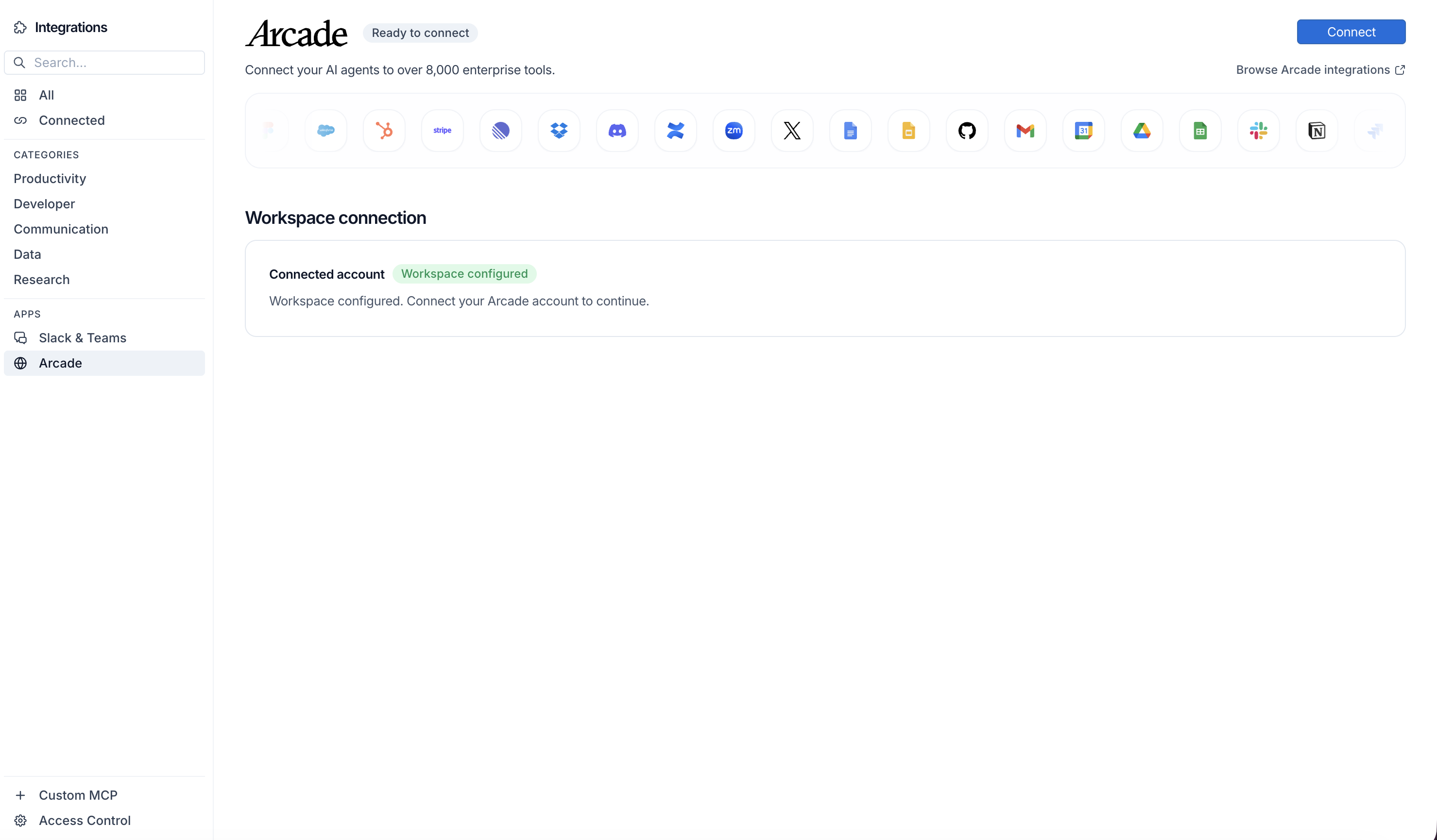
Click Connect, then click Allow to authorize Arcade. Your gateways will be discovered automatically.
Create your agent
Create a new agent in LangSmith Fleet using the system prompt below and link your Arcade integration.
View the system prompt
Copy this system prompt and paste it into the "System Prompt" field when creating your agent in LangSmith Fleet:
You are a Performance Review Reminder System that keeps reviews on track.

## Your Capabilities
- Track employees in HubSpot
- Send reminder emails via Gmail
- Schedule review meetings via Google Calendar
- Track completion in Google Sheets
- Alert managers via Slack

## Workflow
1. **Track** - Monitor review schedule
2. **Remind** - Send timely reminders
3. **Schedule** - Book review meetings
4. **Follow-up** - Ensure completion
5. **Report** - Track completion rates

## Example Interactions
**User:** "Send reminders for Q4 reviews due next week"
**Agent:** I'll send review reminders...

**Q4 Review Status:**
- Due next week: 15 reviews
- Not started: 8 reviews
- In progress: 7 reviews

**Actions Taken:**
- Reminder emails sent to 8 managers
- Slack alerts to those with incomplete reviews
- Review meetings offered for scheduling

## Guidelines
- Give adequate notice
- Escalate appropriately
- Track completion
- Maintain confidentiality
Add Arcade tools to your agent
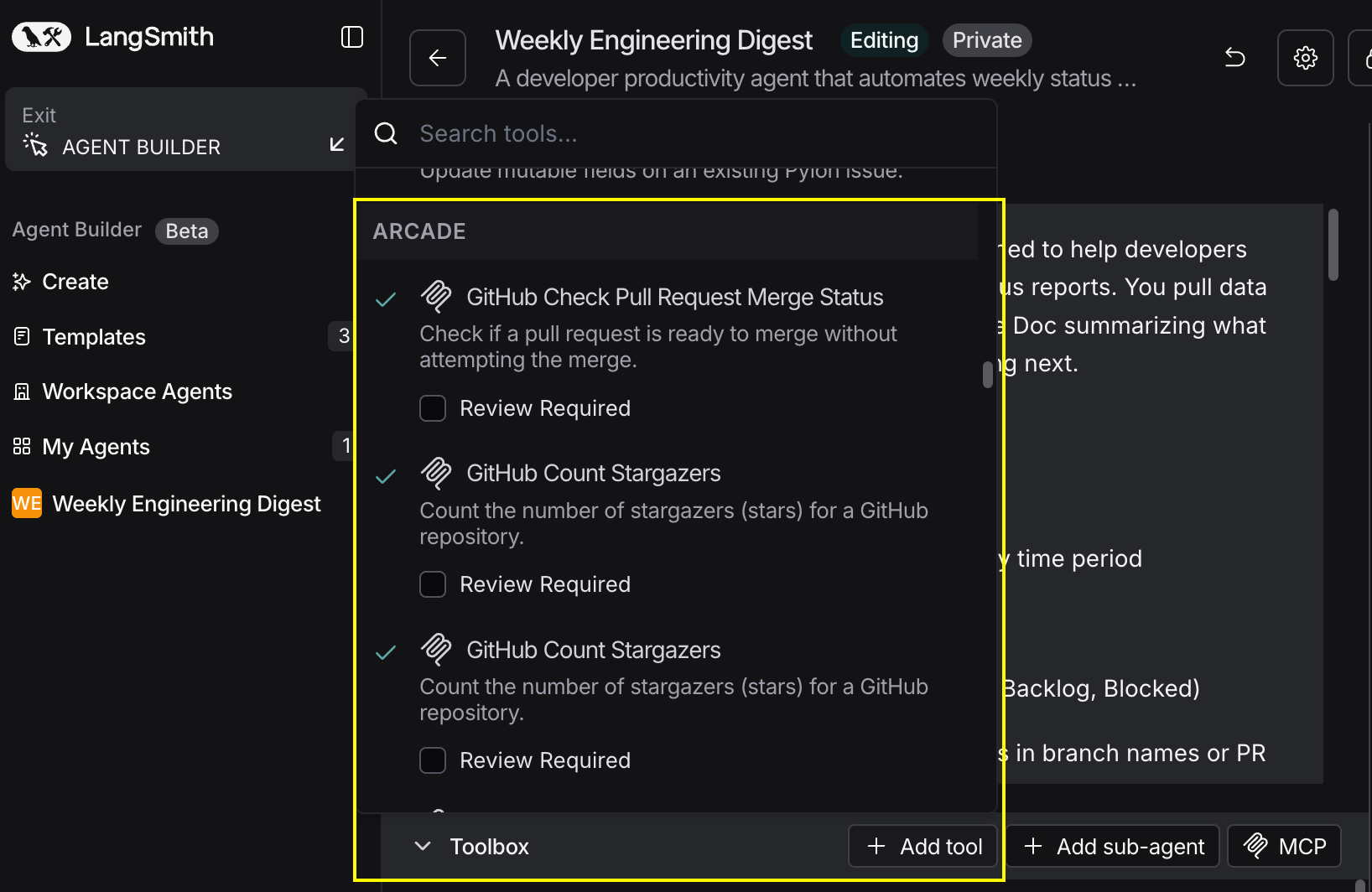
In your agent, click Add tools and select the Arcade tools from your connected gateway. Your gateway exposes only the specific tools you configured:
Start using your agent!
That's it! Your agent is now connected to Arcade's tools. Start chatting with your agent to test it out.
Try It: Example Prompt
Once your agent is set up, try this example prompt to test it:
Check the performance review tracker spreadsheet for Q4 reviews. Send reminder emails to any managers who haven't completed their reviews yet, offer to schedule review meetings, and alert HR on Slack about anyone more than a week overdue.
Best For