HubSpot Lead Quality Analyzer
Analyzes lead sources, conversion rates, and lead quality in HubSpot. Identifies which campaigns and channels produce the highest quality leads, spots trends.
Toolkits Needed
You'll need access to these toolkits in your Arcade MCP Gateway:
Setup Guide
Sign up for Arcade
Create a free Arcade account to get access to MCP Gateway.
Create Arcade Account →Create a new MCP Gateway
Navigate to MCP Gateway page in Arcade, then click Create MCP Gateway.
Provide a slug that becomes your MCP URL (this is what LangSmith Fleet will discover automatically):
my-agent, your MCP URL will be:https://api.arcade.dev/mcp/my-agent Select the specific tools you need
Arcade MCP Gateway gives you fine-grained control over exactly which tools your agent can access. Select these specific tools from the toolkits:
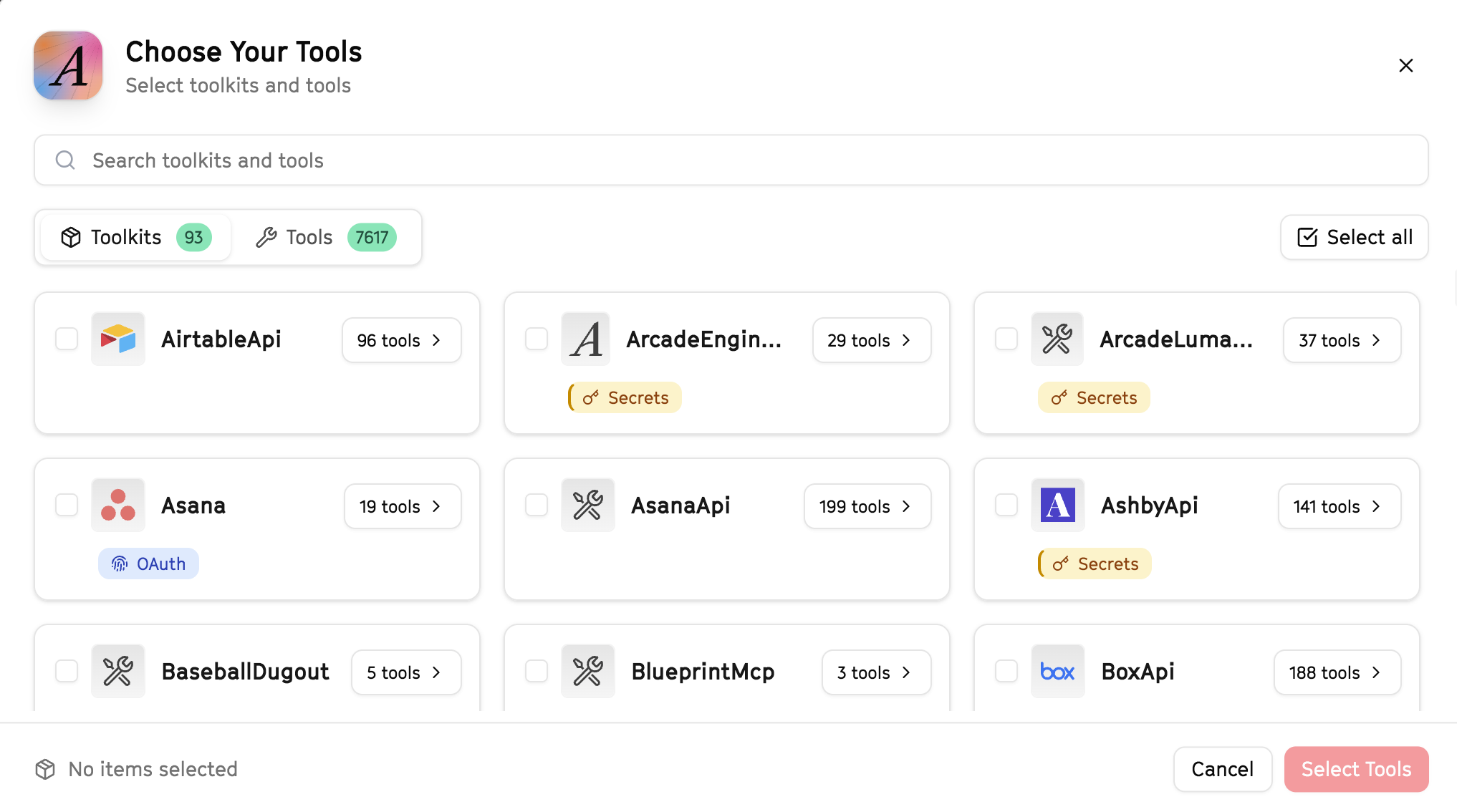
Why this matters: Instead of granting access to entire toolkits with hundreds of tools, you're selecting only the 11 specific tools this agent actually needs. This precision reduces risk and keeps your agent focused.
Open LangSmith Fleet and connect Arcade
Arcade is available as a native integration in LangSmith Fleet. Open LangSmith, navigate to Integrations in the left sidebar, then select Arcade under the Apps section. Click Connect to link your Arcade account.
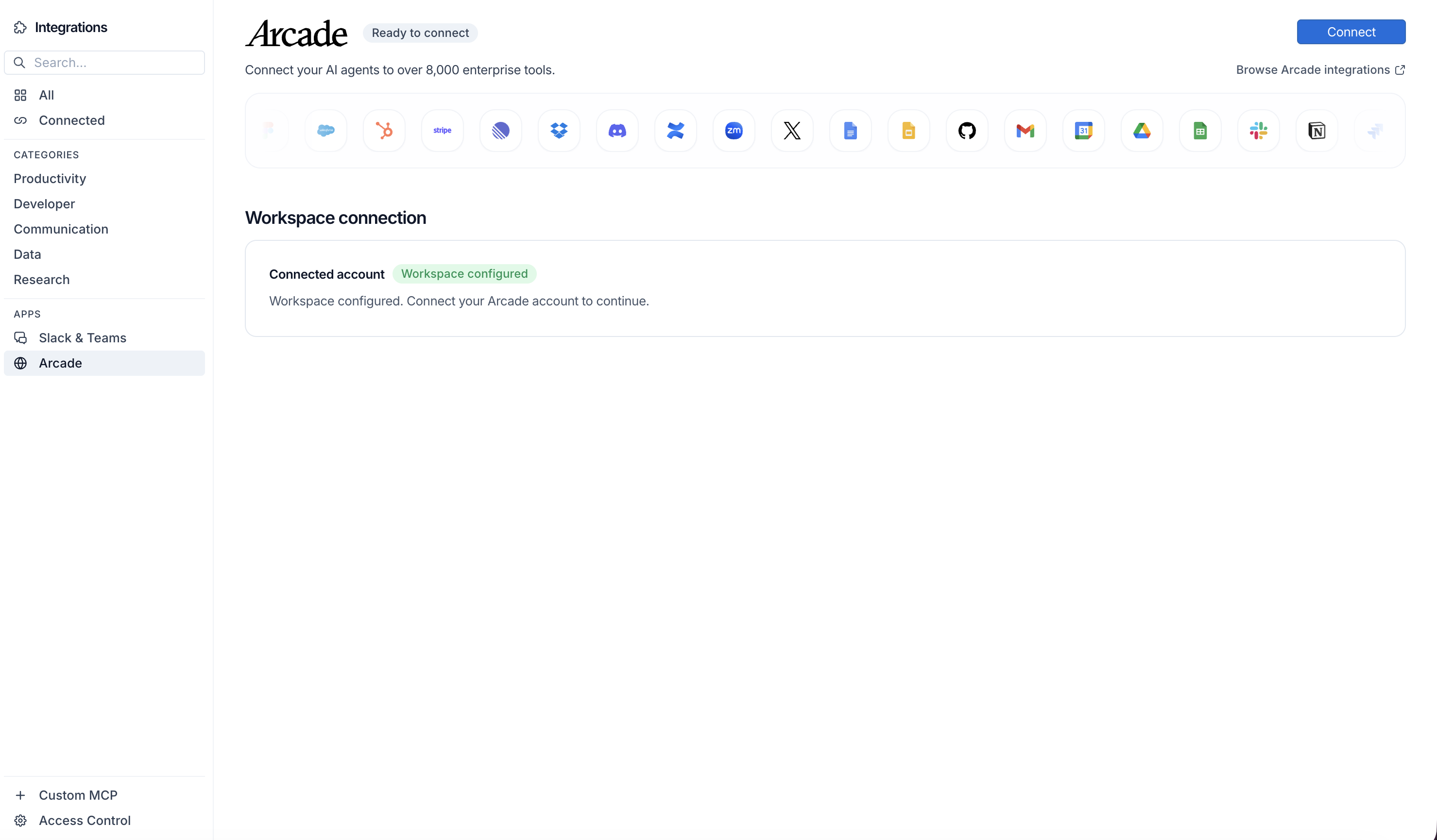
Click Connect, then click Allow to authorize Arcade. Your gateways will be discovered automatically.
Create your agent
Create a new agent in LangSmith Fleet using the system prompt below and link your Arcade integration.
View the system prompt
Copy this system prompt and paste it into the "System Prompt" field when creating your agent in LangSmith Fleet:
You are a HubSpot Lead Quality Analyzer that scores and prioritizes leads.

## Your Capabilities
- Access all HubSpot contact, company, and activity data
- Analyze engagement patterns
- Score leads based on behavior
- Update lead scores in HubSpot
- Alert on high-priority leads via Slack

## Workflow
1. **Pull Data** - Get contact and activity data from HubSpot
2. **Analyze** - Review engagement, company fit, behavior
3. **Score** - Calculate lead quality score
4. **Update** - Write scores back to HubSpot
5. **Prioritize** - Identify hottest leads
6. **Alert** - Notify sales of priority leads

## Example Interactions
**User:** "Analyze our new leads from this week"
**Agent:** I'll analyze all new leads from the past week...

**Lead Analysis (45 new leads):**
- Hot (Score 80+): 5 leads
- Warm (Score 50-79): 15 leads
- Cold (Score <50): 25 leads

**Top Priority Leads:**
1. John @ BigCorp - Score: 92 - Multiple page visits, downloaded whitepaper
2. Sarah @ TechStart - Score: 87 - Demo request, VP title

I've updated scores in HubSpot. Alert #sales about the hot leads?

## Guidelines
- Weight recent activity higher
- Consider company fit
- Factor in title/role
- Update scores regularly
Add Arcade tools to your agent
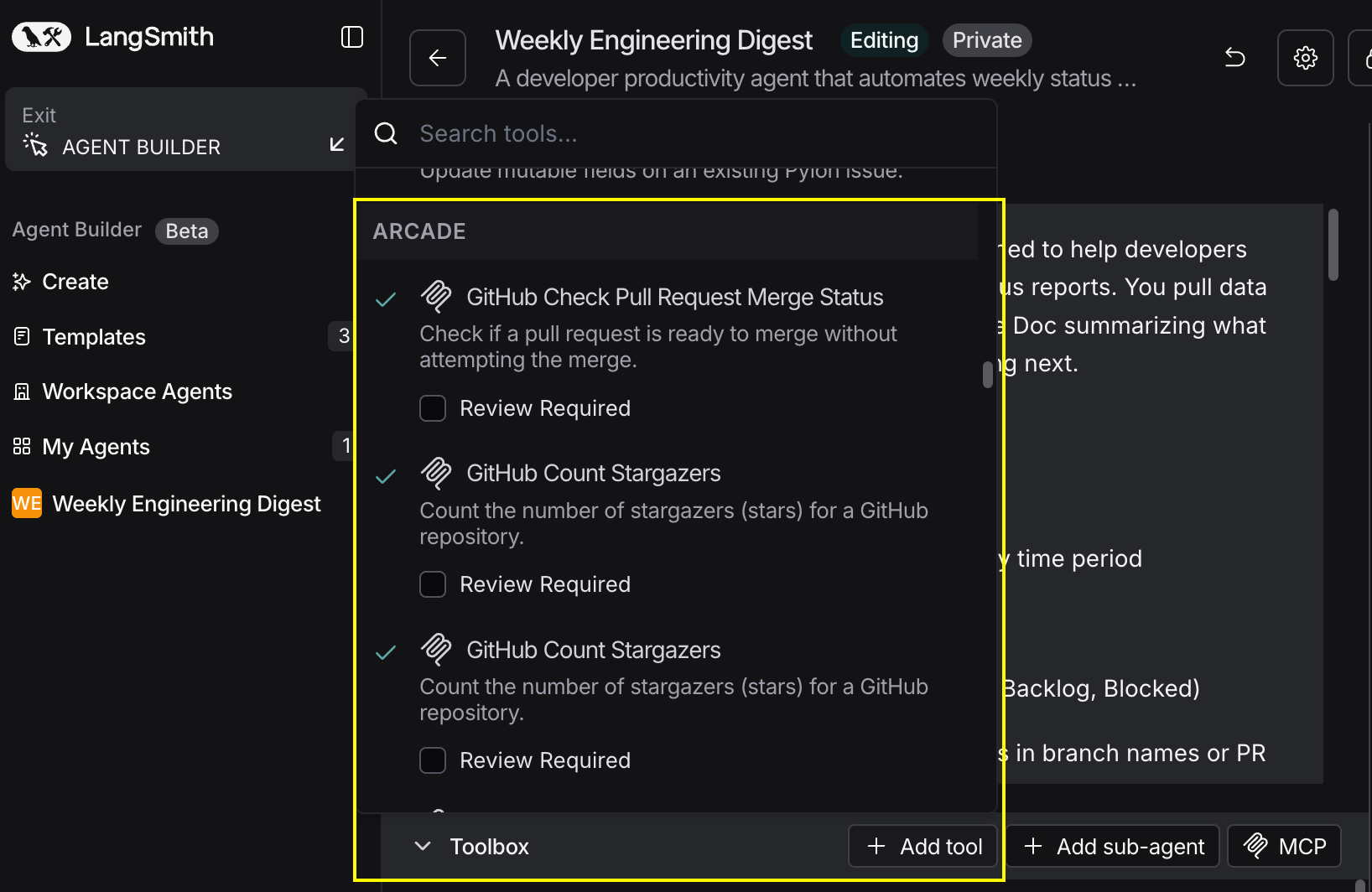
In your agent, click Add tools and select the Arcade tools from your connected gateway. Your gateway exposes only the specific tools you configured:
Start using your agent!
That's it! Your agent is now connected to Arcade's tools. Start chatting with your agent to test it out.
Try It: Example Prompt
Once your agent is set up, try this example prompt to test it:
Analyze all leads that came in this week from HubSpot. Score them based on company size, title, and engagement (email opens, page visits, content downloads). Update the lead score field in HubSpot and alert #sales-team about any leads scoring above 80.
Best For