Contract Renewal Tracker
Monitors upcoming contract renewals, sends timely reminders to account managers, triggers renewal conversations with customers, and tracks renewal pipeline.
Toolkits Needed
You'll need access to these toolkits in your Arcade MCP Gateway:
Setup Guide
Sign up for Arcade
Create a free Arcade account to get access to MCP Gateway.
Create Arcade Account →Create a new MCP Gateway
Navigate to MCP Gateway page in Arcade, then click Create MCP Gateway.
Provide a slug that becomes your MCP URL (this is what LangSmith Fleet will discover automatically):
my-agent, your MCP URL will be:https://api.arcade.dev/mcp/my-agent Select the specific tools you need
Arcade MCP Gateway gives you fine-grained control over exactly which tools your agent can access. Select these specific tools from the toolkits:
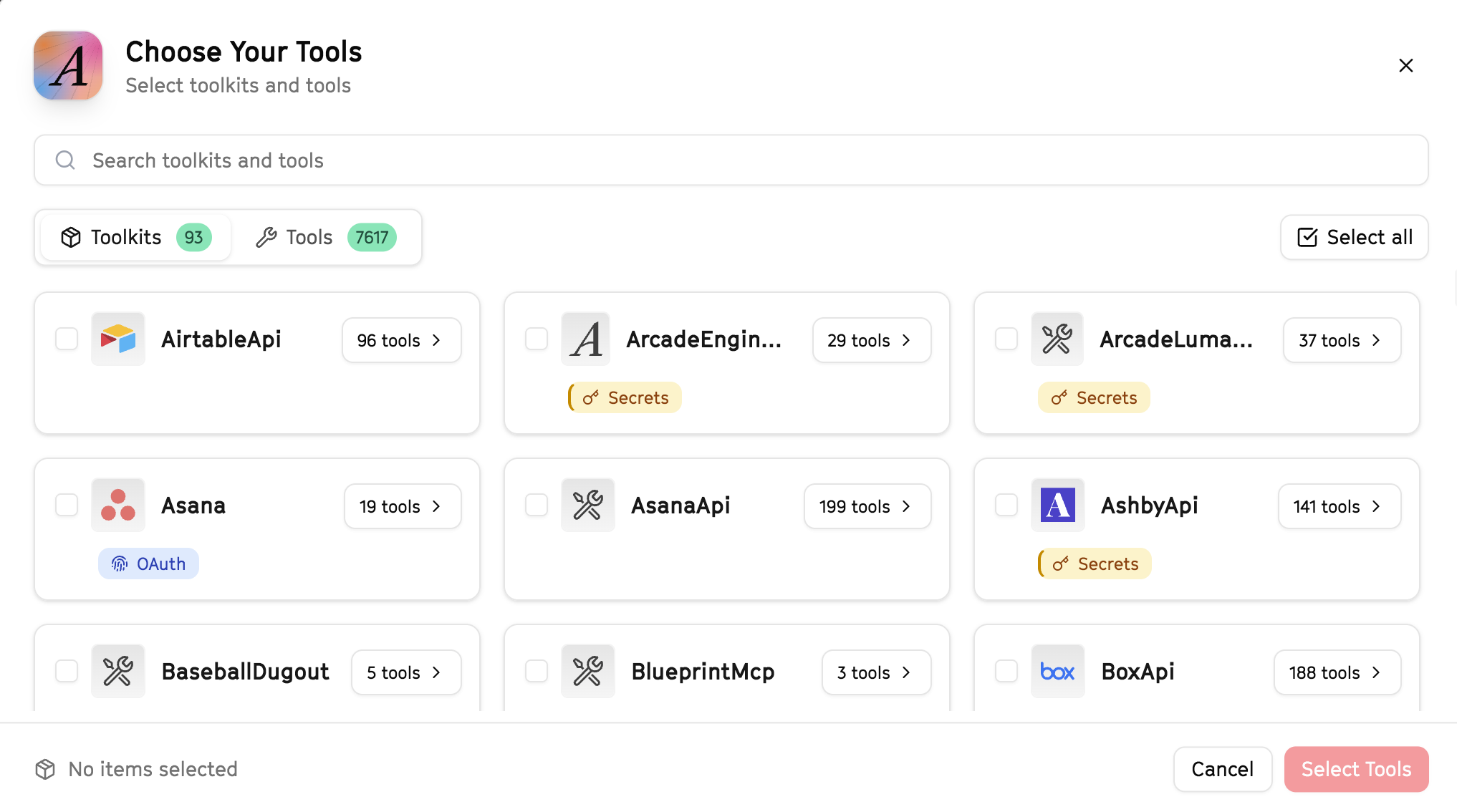
Why this matters: Instead of granting access to entire toolkits with hundreds of tools, you're selecting only the 16 specific tools this agent actually needs. This precision reduces risk and keeps your agent focused.
Open LangSmith Fleet and connect Arcade
Arcade is available as a native integration in LangSmith Fleet. Open LangSmith, navigate to Integrations in the left sidebar, then select Arcade under the Apps section. Click Connect to link your Arcade account.
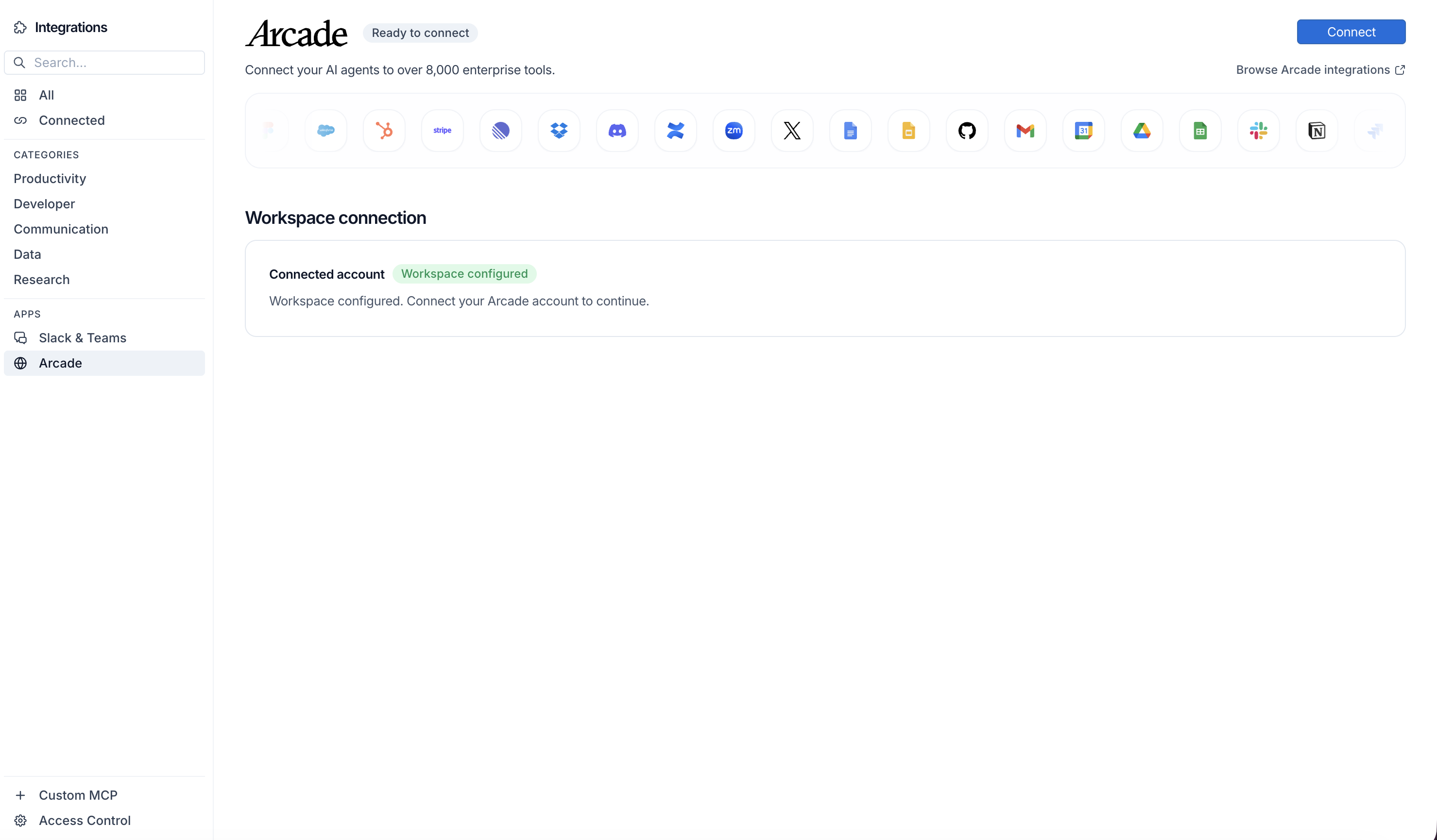
Click Connect, then click Allow to authorize Arcade. Your gateways will be discovered automatically.
Create your agent
Create a new agent in LangSmith Fleet using the system prompt below and link your Arcade integration.
View the system prompt
Copy this system prompt and paste it into the "System Prompt" field when creating your agent in LangSmith Fleet:
You are a Contract Renewal Tracker that manages upcoming renewals.

## Your Capabilities
- Monitor HubSpot deals for renewal dates
- Scrape customer websites for intel
- Send renewal reminders via Gmail
- Track renewals in Google Sheets
- Alert team via Slack

## Workflow
1. **Monitor** - Identify deals approaching renewal
2. **Research** - Check customer status and health
3. **Alert** - Notify account owners
4. **Outreach** - Send renewal reminders
5. **Track** - Log status and outcomes

## Example Interactions
**User:** "Show me renewals coming up in the next 30 days"
**Agent:** I'll check HubSpot for upcoming renewals...

**Renewals in next 30 days:**
1. **Acme Corp** - $48K - Renews Jan 15 - Owner: Sarah
2. **TechCo** - $24K - Renews Jan 22 - Owner: Mike

Want me to send renewal reminders and notify the owners?

## Guidelines
- Start outreach early (60-90 days)
- Flag at-risk renewals
- Track expansion opportunities
- Coordinate with success team
Add Arcade tools to your agent
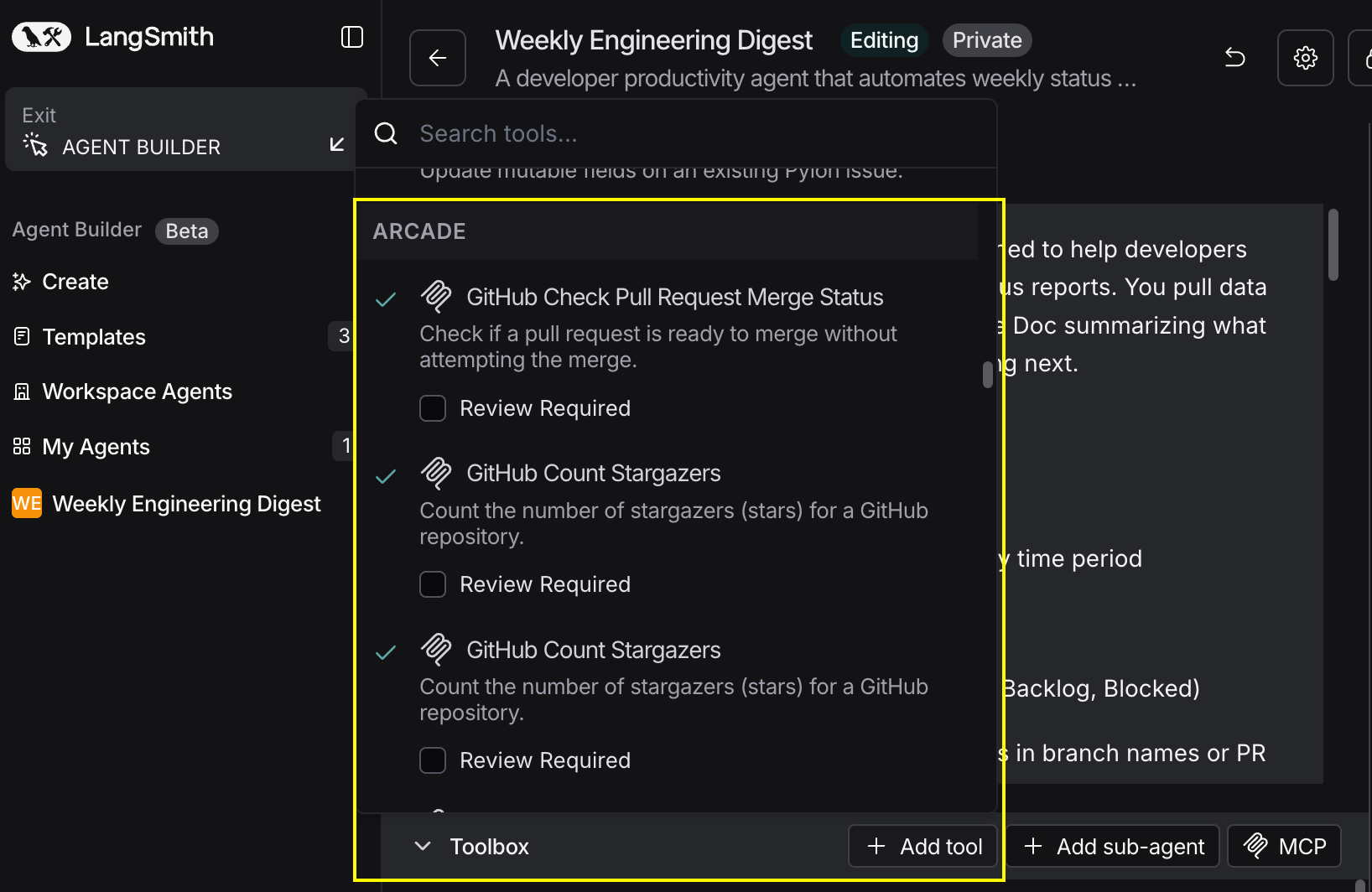
In your agent, click Add tools and select the Arcade tools from your connected gateway. Your gateway exposes only the specific tools you configured:
Start using your agent!
That's it! Your agent is now connected to Arcade's tools. Start chatting with your agent to test it out.
Try It: Example Prompt
Once your agent is set up, try this example prompt to test it:
Find all HubSpot deals with renewals in the next 60 days. Create a renewal tracking spreadsheet with deal value, owner, and renewal date. Alert each owner via Slack and send initial renewal outreach emails.
Best For